AI Image Editor Online
Edit images online with simple text instructions. Upload a photo, describe your changes, and compare results from leading AI image models like ChatGPT image, NanoBanana, and Grok - all at once
Edit images online with simple text instructions. Upload a photo, describe your changes, and compare results from leading AI image models like ChatGPT image, NanoBanana, and Grok - all at once
Edit photos online with simple instructions, use familiar image tools, and compare AI results in one workspace.
Crop a photo for social media, remove a product background, or upscale an image for a larger layout. Open our online photo editor for these common tasks, plus SVG conversion and an editing history so you can revisit your changes.
Open online photo editor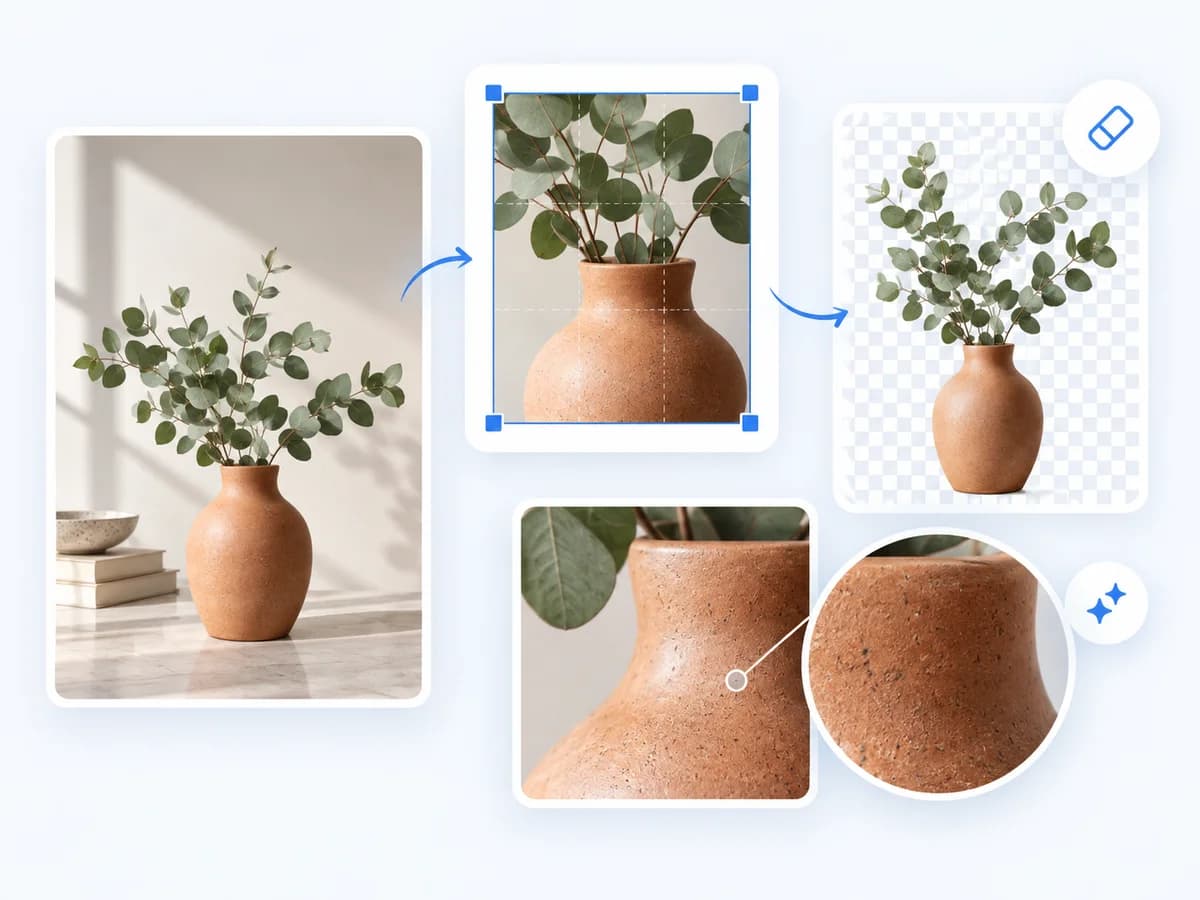
Try the same editing instructions with different AI image models and compare the results in one workspace. Explore different interpretations, then choose the image that best matches your idea.
Explore AI models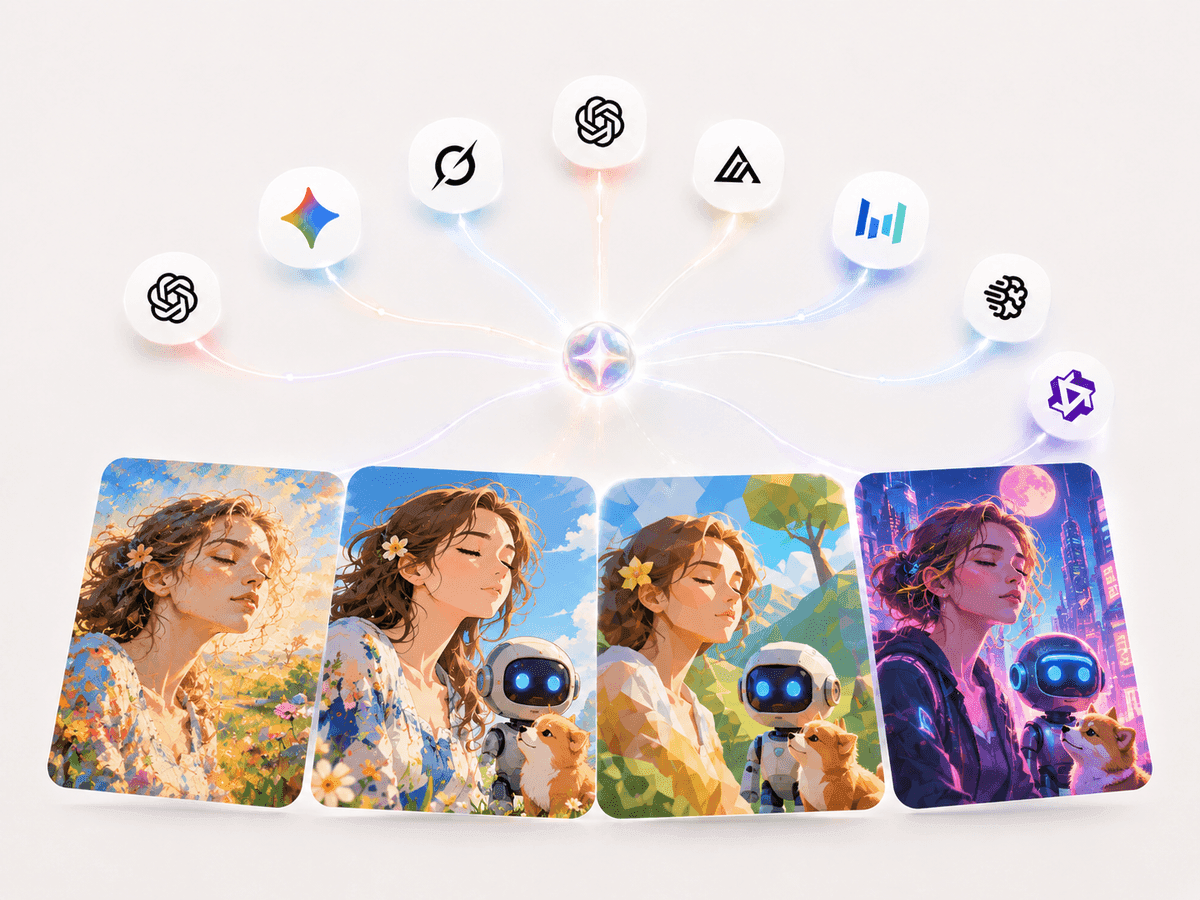
Turn your finished images directly into AI-generated videos without starting over. Bring your visuals to life with natural motion, camera movement, and cinematic effects—all within the same creative workflow.
Create a video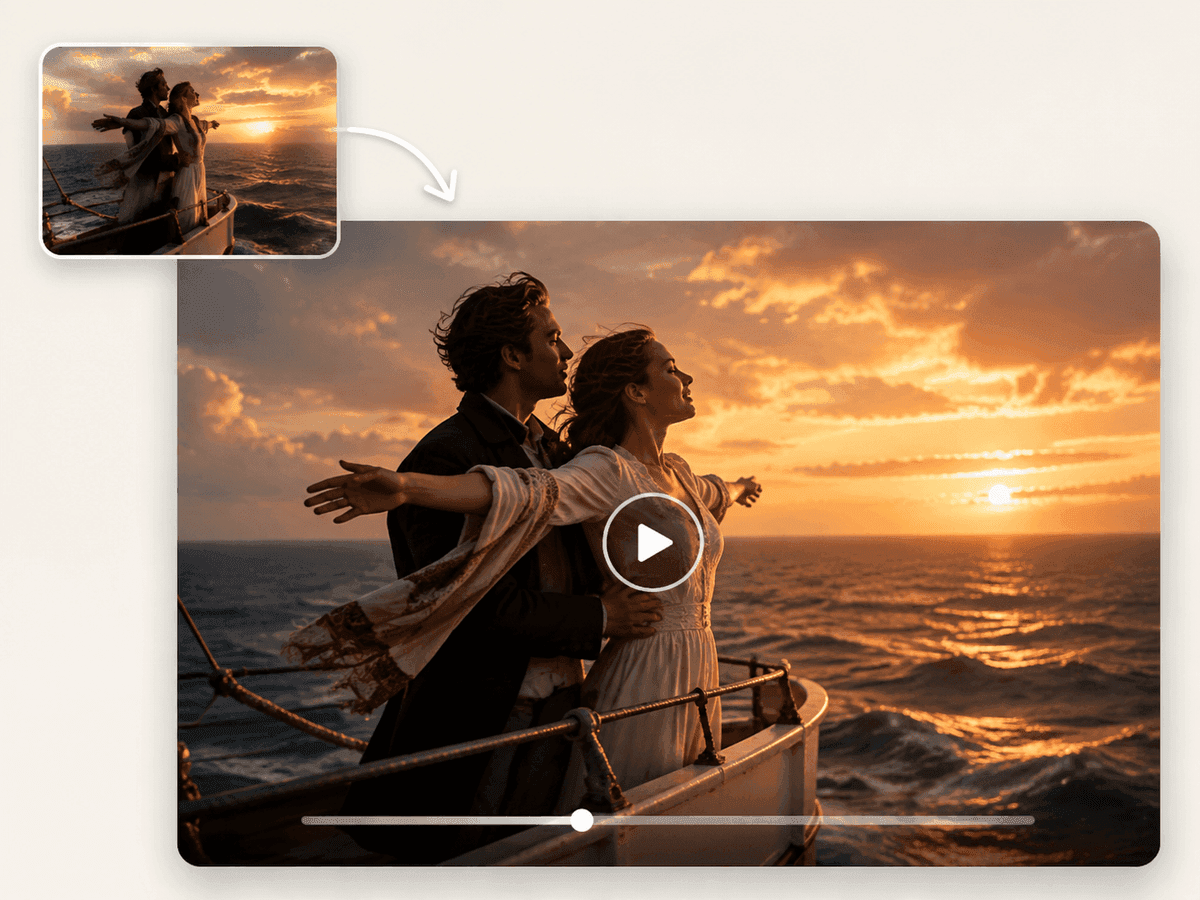
FAQ
An AI image editor helps you change an existing image by describing what you want in plain language. Upload a photo and ask for a new background, different colors, or another visual style. LogoAI lets you compare results from multiple AI image models in the same online workspace.
Upload your image, describe the change, choose an image model that supports reference images, and generate. Be specific: “Replace the background with a bright studio and keep the product blue” gives clearer direction than “make it better.” Review the result and refine it with another instruction if needed.
Yes. You can try the AI image editor with the available free allowance after signing in. AI actions can use credits, and costs vary by model and task. Check the displayed cost before generating and visit our pricing page for paid plans. Free to try does not mean unlimited free editing.
No installation or design experience is needed. The AI image editor runs in your browser on desktop or mobile. Start with one clear instruction, check the result, and make further changes as needed.
Yes. For crop controls, background removal, upscaling, and SVG conversion, open our online photo editor. It also keeps an editing history so you can revisit changes. Some AI tools use credits; review the cost shown for the action you choose.
The AI image editor includes ChatGPT image, Nano Banana, Grok Imagine, and other supported models such as Flux, Seedream, Ideogram, and Qwen Image. Choose models that support your editing task, send the same instructions and references, and compare the outputs. Availability and reference-image support vary by model.
Yes, supported models accept multiple reference images. Use them to show the subject, product, style, or setting you want. Explain the role of each reference in your instructions, such as keeping the product from the first image and using the colors from the second.
Use a clear source image and state both what should change and what should stay the same. Start with one main change, then refine the result. AI can alter details you intended to preserve, so check faces, lettering, colors, and product features before using the image.
Open a completed image in the full-size preview and choose Download to save it. The output dimensions and file format depend on the selected model and editing tool. Save results you want to keep rather than relying on the results gallery as permanent storage.
Yes. Open the image result and choose Create video to continue in the video workflow. Your image becomes a visual reference, and you can add instructions for motion or camera movement. Video generation has its own model options and credit costs.